
Connection Profile Configuration - HTTP API
Loyalty can connect to an external API endpoint via an HTTP method. Connecting to an external system in this manner comprises two components within Loyalty: an HTTP API Connection Profile and an HTTP Template.
The Connection Profile contains the information needed to connect with the external API endpoint, such as authentication details.
The Template allow you to export the data selected from a Query to a designated endpoint via an API request. An HTTP Template encompasses a Connection Profile, a Query, and the schema of the API payload. See Template Configuration - HTTP Template for more information.
When you select the HTTP API tile on the Connectors screen, the HTTP API Connection Profile screen is displayed. Select the Connection Profiles tab.
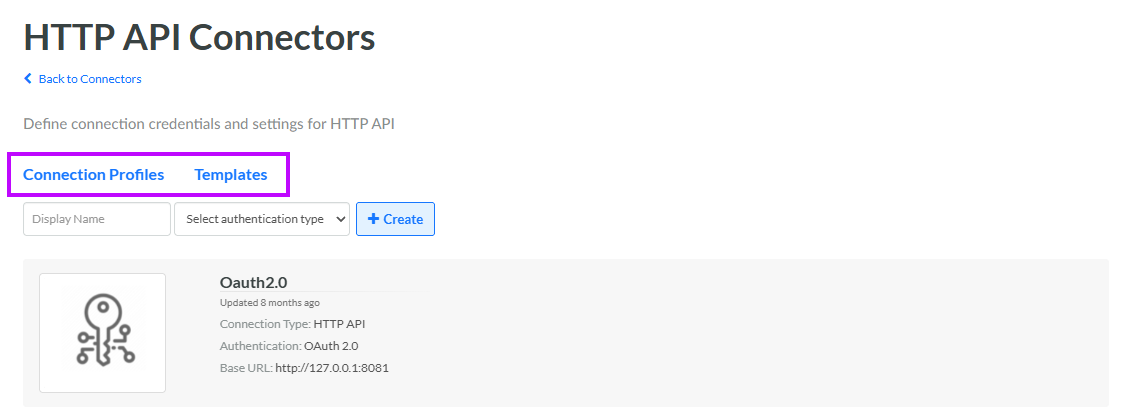
This Connection Profile type includes the following properties:
-
Label: Enter the display name of the Connection Profile.
-
Internal Name: Enter the internal system name of the Connection Profile. This field is uneditable by default. To edit the Internal Name, check Edit Internal Name. A confirmation dialog box is displayed; click Ok. Edit the Internal Name value.
The remaining properties will vary depending on the authentication type of this Connection Profile. See below for details.
 No Authentication
An HTTP API Connection Profile with no authentication includes the following properties:
-
Base URL: Enter the URL of the API endpoint.
Basic Authentication
An HTTP API Connection Profile with an authentication type of Basic Authentication includes the following properties:
-
Base URL: Enter the URL of the API endpoint.
-
Username: Enter the username for the user account that the platform will use to access the API endpoint.
-
Password: Enter the password for the user account.
Bearer Token
An HTTP API Connection Profile with an authentication type of Bearer Token includes the following properties:
-
Base URL: Enter the URL of the API endpoint.
-
Token: Enter the bearer token.
OAuth 2.0
The platform supports the "Client Credentials" OAuth 2.0 grant type. The platform sends the credentials in the following format:
grant_type=client_credentials
&client_id=xxxxxxxxxx
&client_secret=xxxxxxxxxx
An HTTP API Connection Profile with an authentication type of OAuth 2.0 includes the following properties:
-
Base URL: Enter the URL of the API endpoint.
-
Access Token URL: Enter the URL used to request an access token.
-
Grant Type: Enter "client_credentials."
-
Client ID: Enter the authorized user's username.
-
Client Secret: Enter the authorized user's password.
Note: The Account and Scope properties are not needed.
